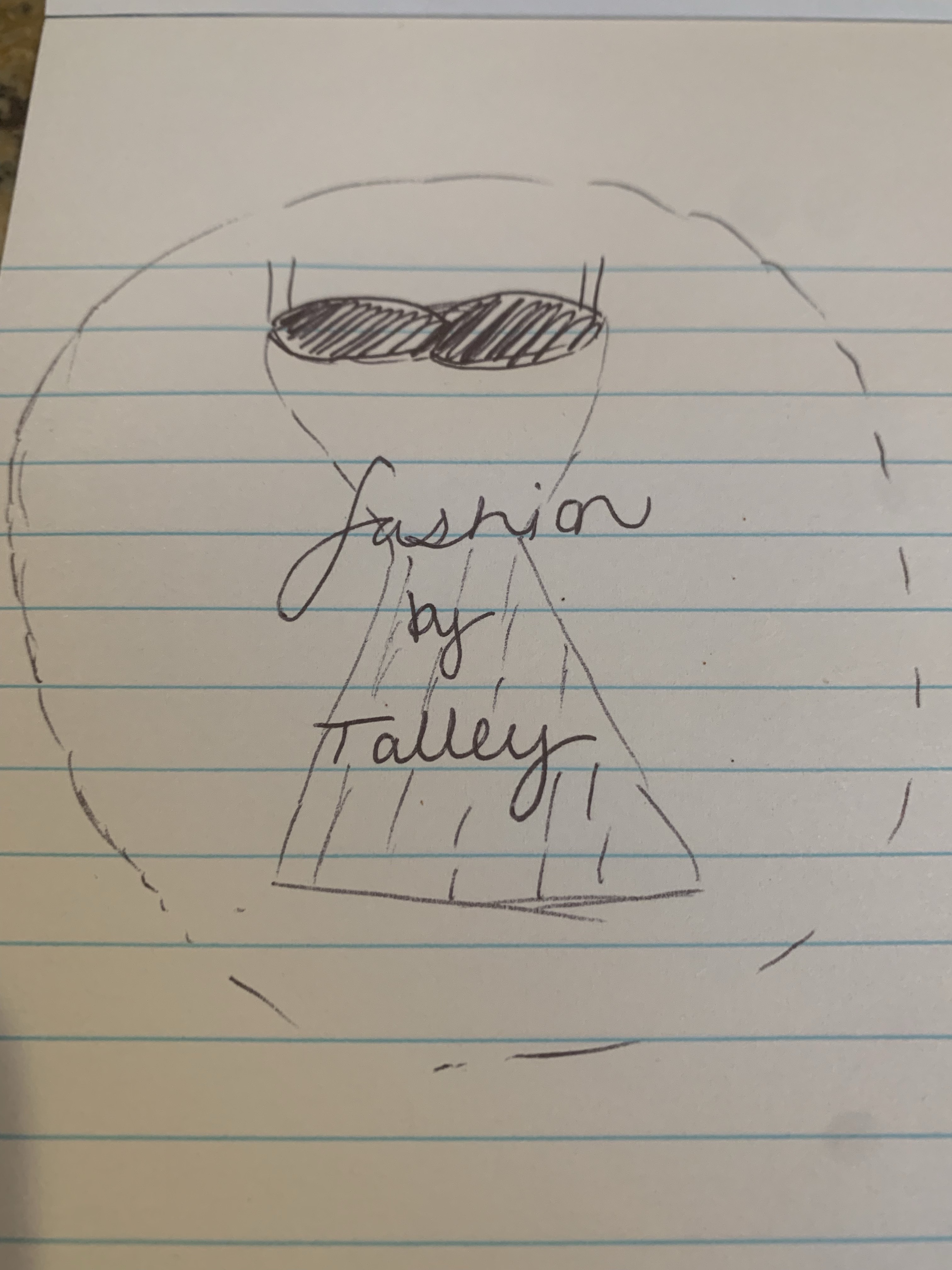
Logo Sketch

Hello everyone,
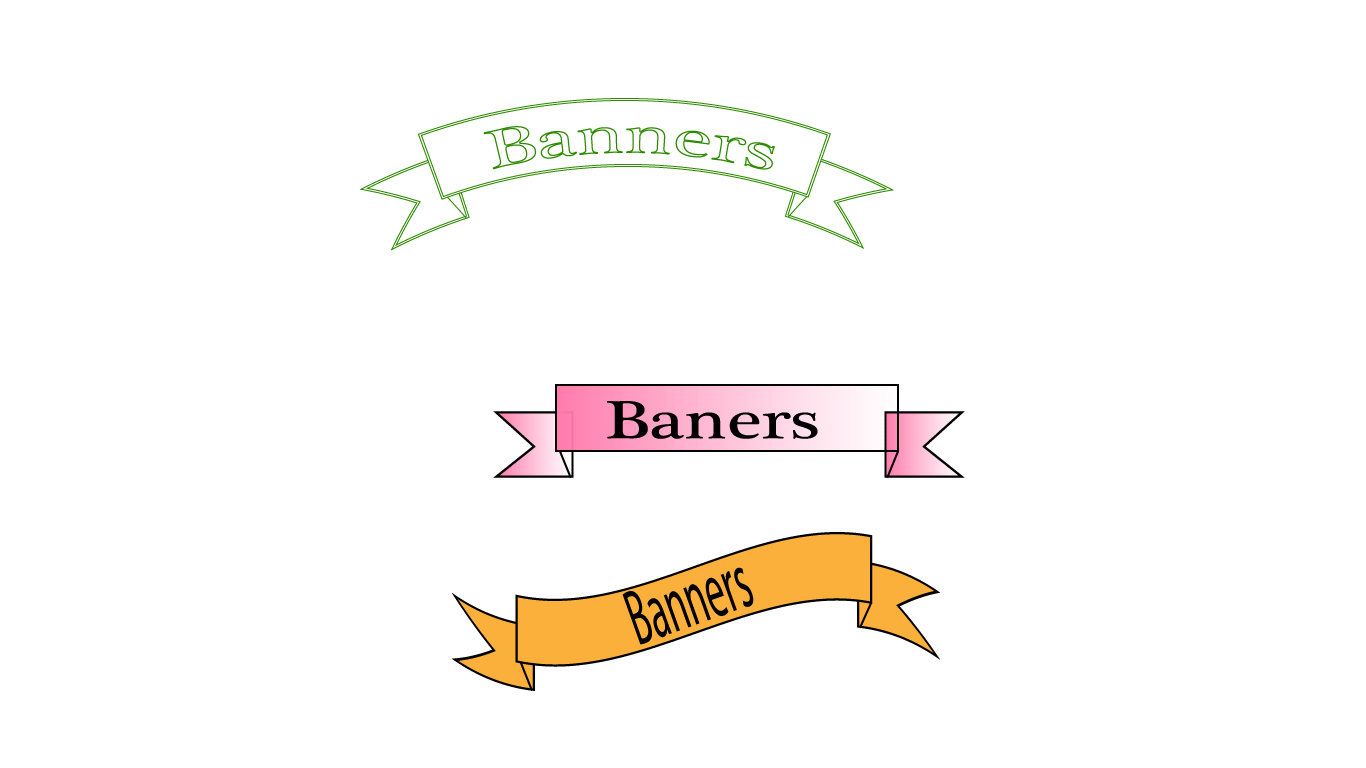
These are my illustrator tutorials. I know they are not the best but I really struggled with this assignment and it took a lot of work for me to get this far.
Hello everyone,
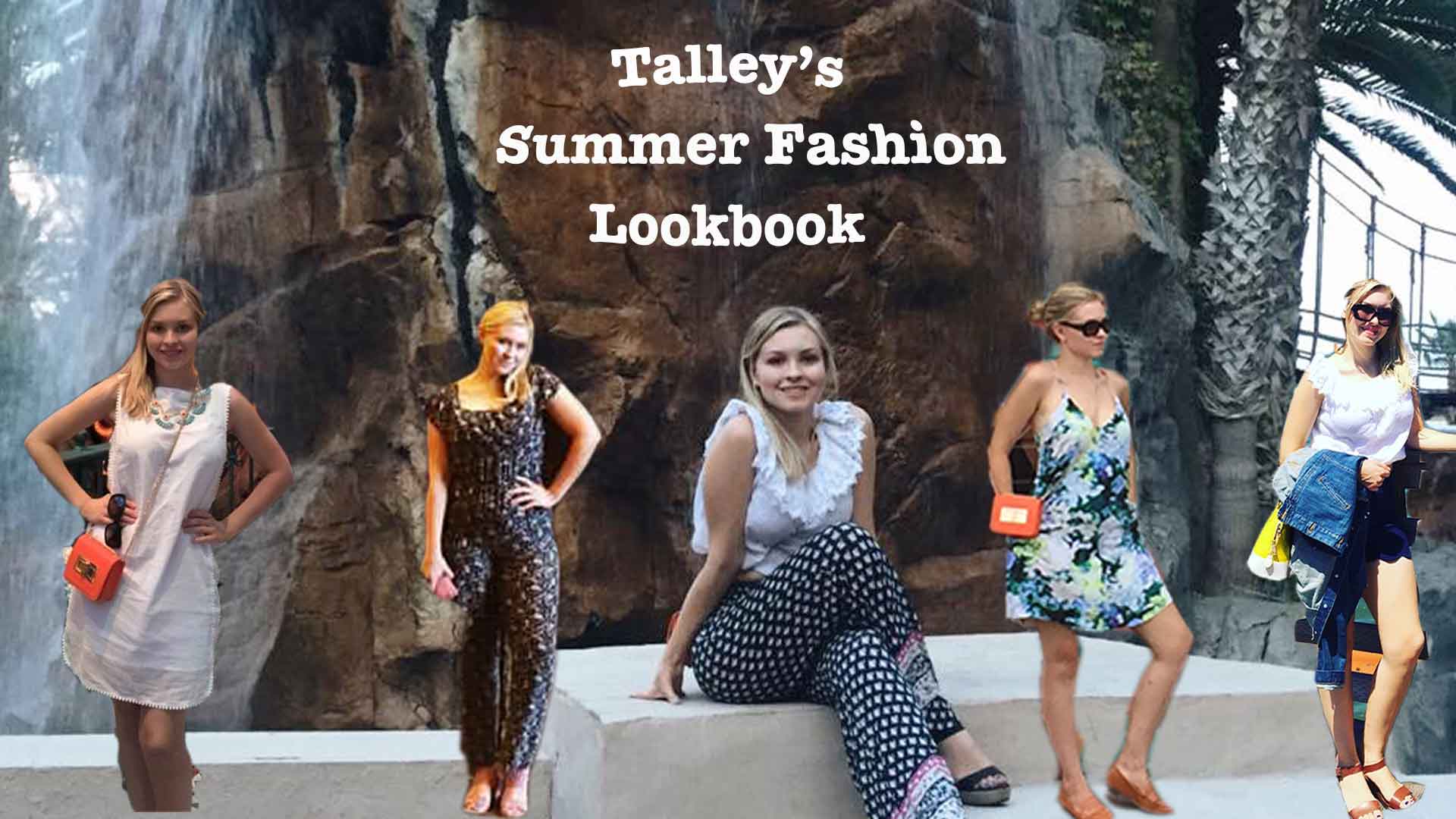
Below is my final of my summer fashion look book.
For this project I decided to create a look-book for summer fashion. I chose this because this is the current season we are in right now and my blog is about fashion. I have seen many fashion influencers do designs such as this in order to show their looks in one place. Once I has this inspiration, I utilized the photoshop tutorials assignment we did in class, to learn techniques and practice my photoshop skills.
To create my look-book, I choose a picture of myself as the background. I then went in and lightened up the exposure and background. Next, I found four other summer outfits of mine that I wanted to use for the design. All five photos were ones that I have collected over the past few years that I own. I used the magnetic lasso tool to crop out the background of the photo so it was just me. I then modified the crop with the feather tool, clicked “layer via copy” and minimized my original photo so I could work exclusively with the cropped image. I repeated this step for all four photos, and then adjusted the height and width so that each crop took up the same space on the background. Next I added the text which reads “Talley’s Summer Fashion Look-book”. I adjusted the font to American typewriter and adjusted it to be bold. I then used the warp tool to make an upper arch for the word “Talley’s” and a lower arch for the “Look-book”. After I moved the crops and text where I wanted them, I made a few final exposure and saturation adjustments. I did struggle a bit with using the magnetic lasso tool. I found it hard to get the image as precise as I wanted to and ended up having to delete and redo my crops. I also learned the hard way that it is important to only select the layer you are working on when editing a project in order to prevent edits transferring to other layers.
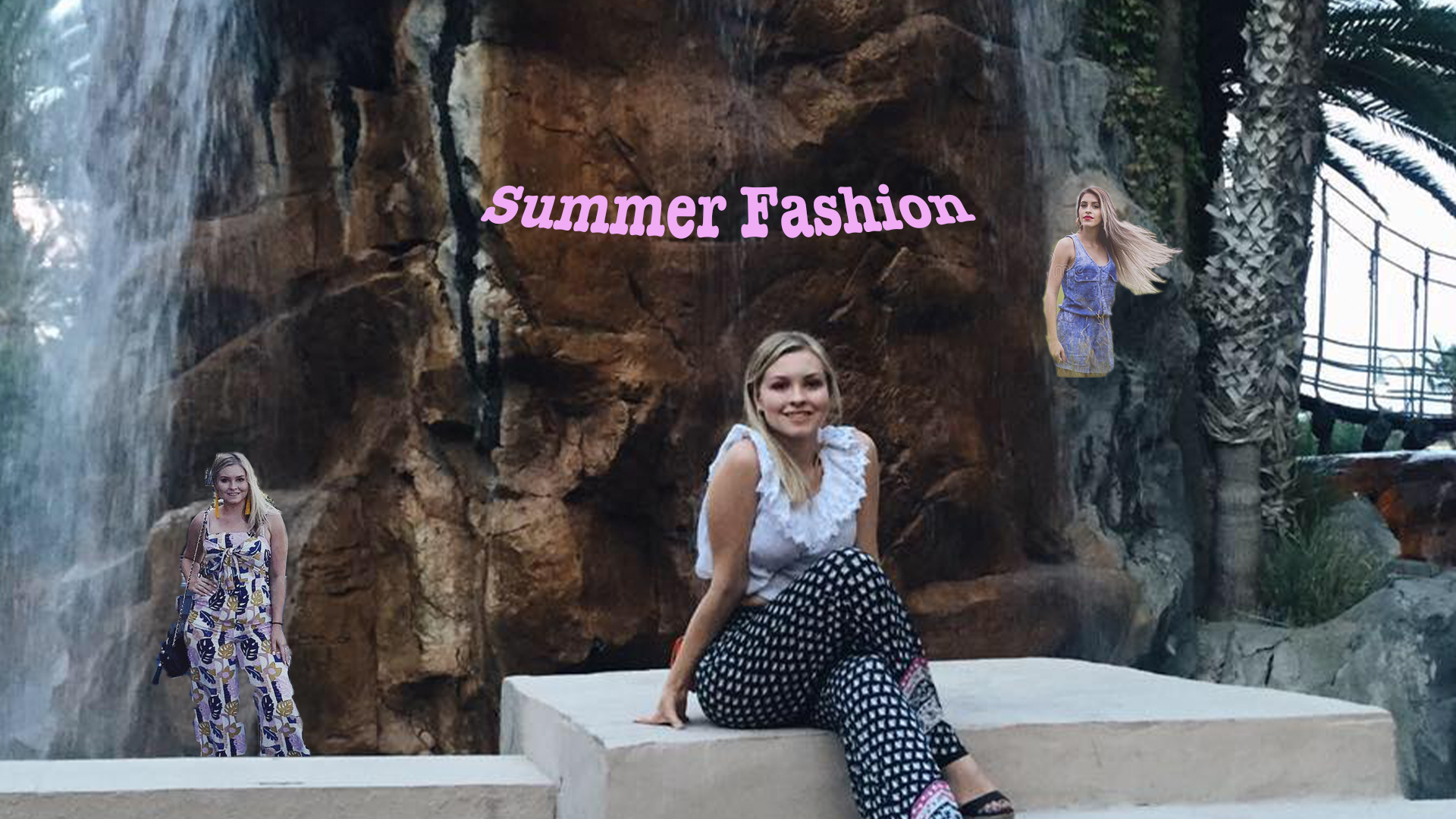
Originally, I only had three photos on my look-book and two of them were much smaller than the others. I had also not done anything to the brightness or exposure. After submitting my rough draft I received some feedback from my peers. Some of their suggestions were to make my cutouts bigger, add more photos, use consistent fonts and colors, and change the title so that it represents that it is my fashion looks, not fashion ideas. I took all of these suggestions to heart and used them to make adjustments toward my final draft.
Idea and Inspiration
For this project I decided to create an advertisement/poster for summer fashion. I chose this because this is the current season we are in right now and my blog is about fashion. I learned a lot from the photoshop tutorials assignment we did in class, so I used a lot of those techniques. I also used fashion magazine pages as an influence.
The elements I used to create this project were images that I have collected over the past few years. I first decided which image I wanted to use for my background photo, and then cropped other images I wanted to add to it. I also added text and some filters.
I used the magnetic lasso tool to crop images as well as the text tool. I also used to move tool to align images where I would like them to go. I struggled with trying to crop my images precisely with the magnetic lasso tool, as well as making sure the correct layers were selected when making edits to my project. I found that it is important to only select the layer you are working on when editing a project in order to prevent edits transferring to other layers.
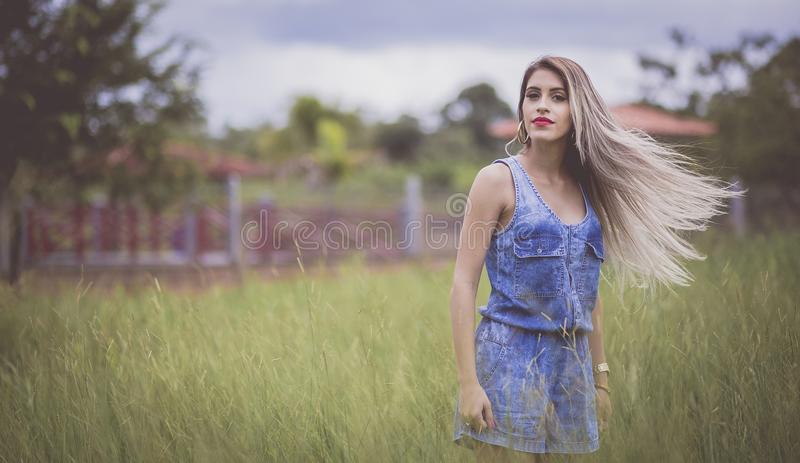
All photos used in this project I took myself except for the one on the far right which is from https://www.dreamstime.com/beautiful-casual-countryside-public-domain-image-free-109906208. It is a free creative commons zero license.
My idea for this project is to create a collage of summer fashion ideas.
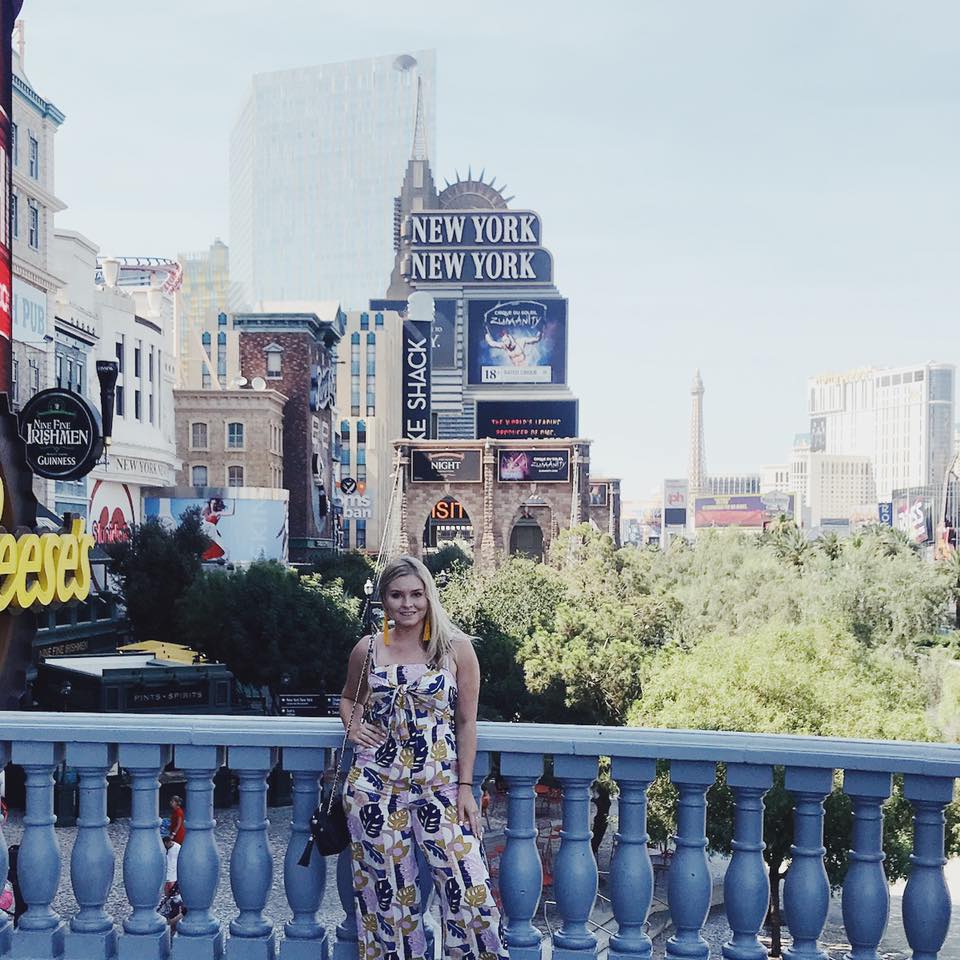
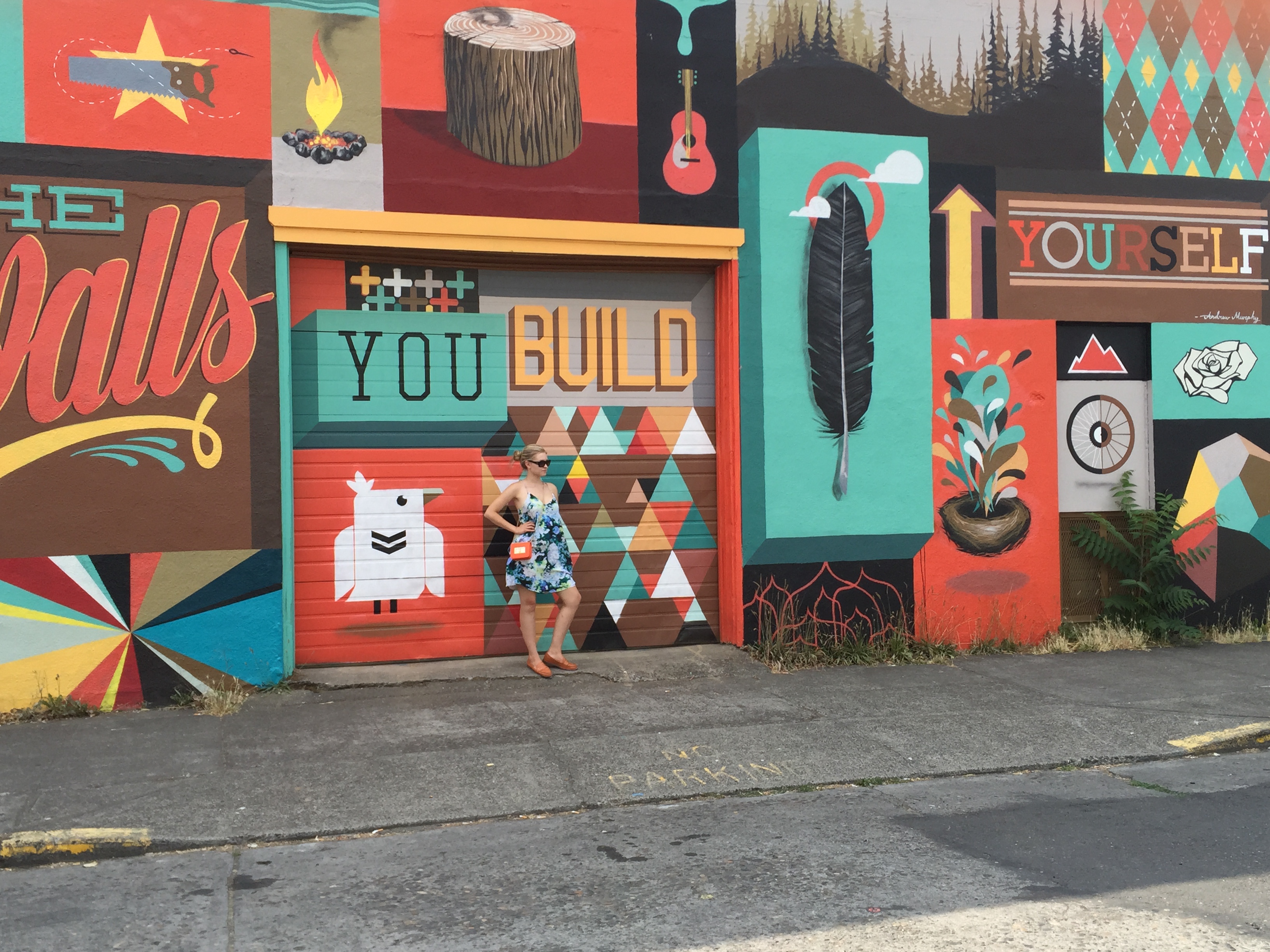
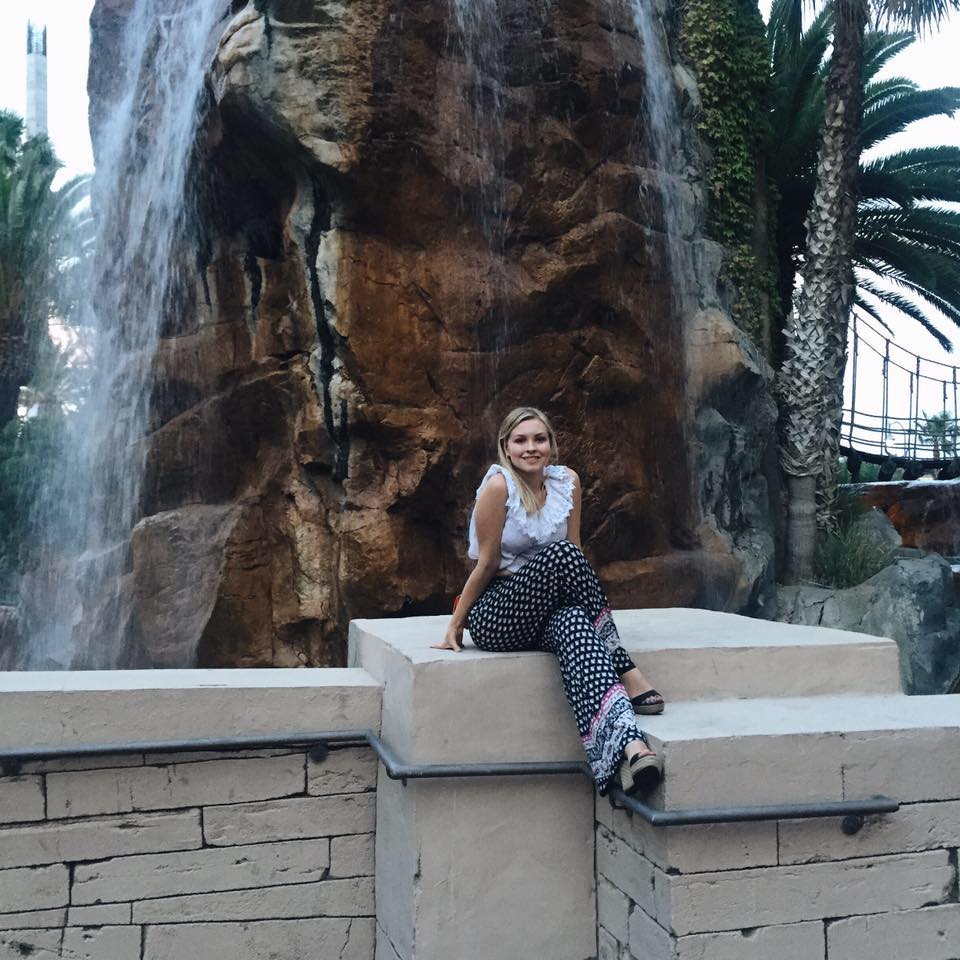
This is an image i took myself
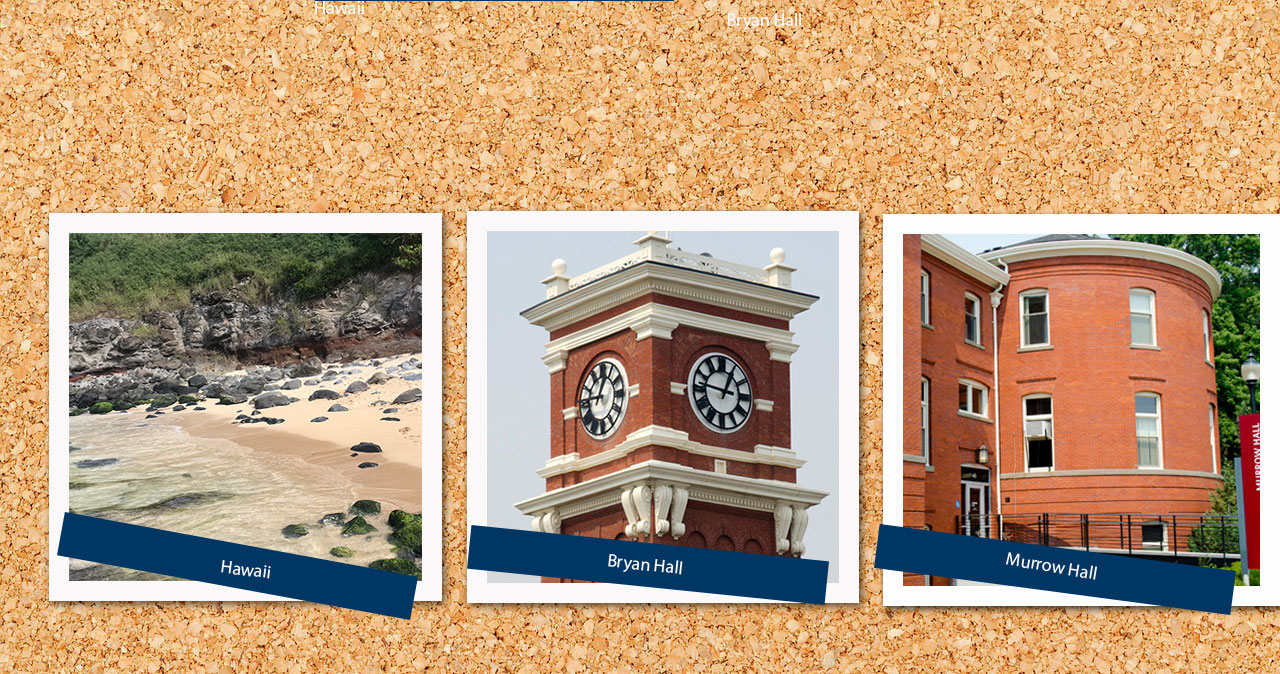
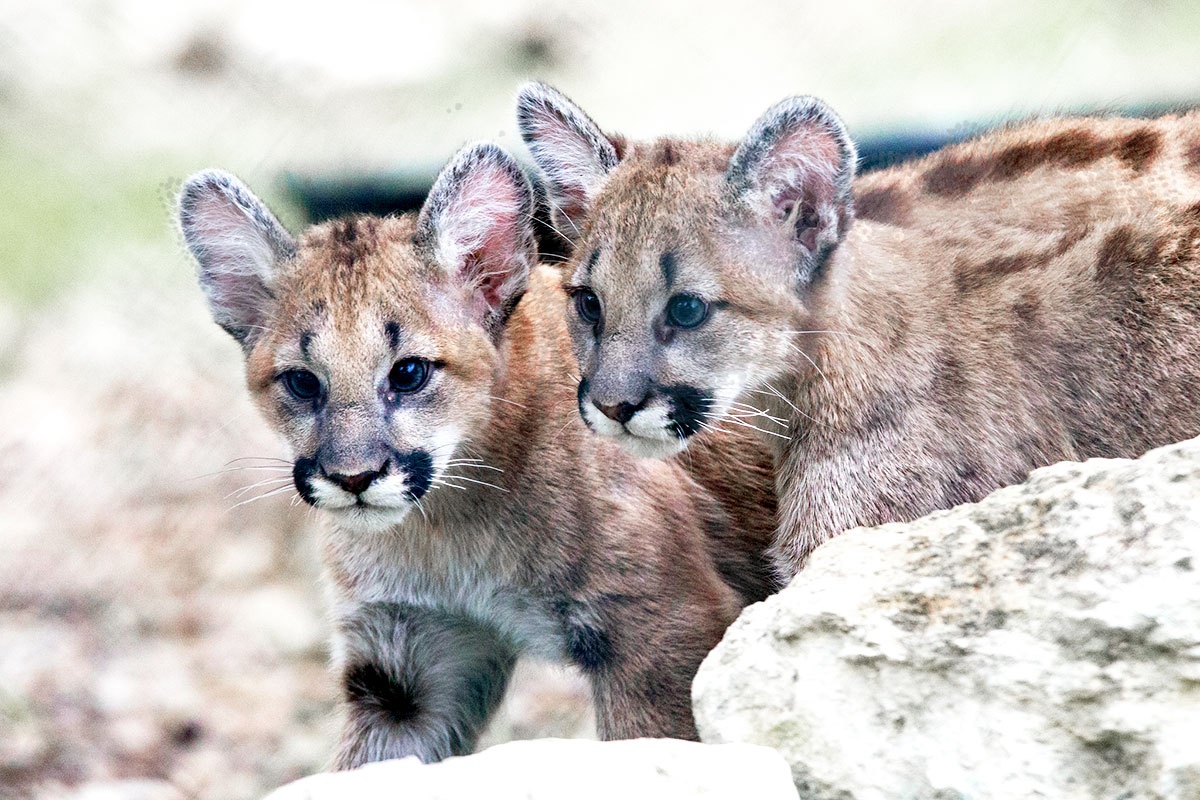
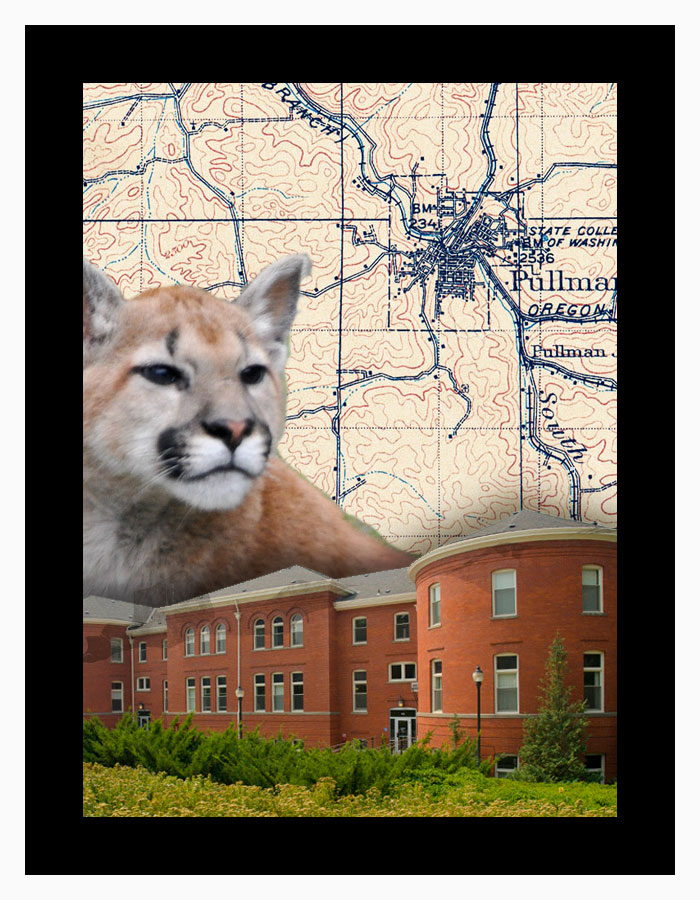
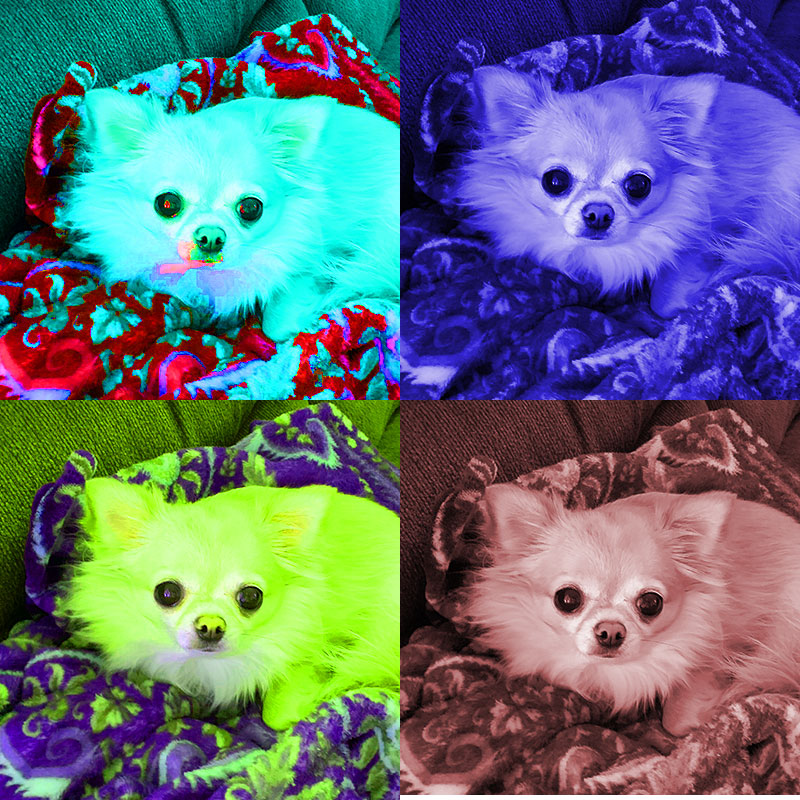
Here are my completed tutorials
 Talley Minich's Fashion Blog